What is new?
- You can now accept bank transfers through ACH for US and Canada based accounts using the NMI processor.
- This awaited enhancement gives businesses a lower cost alternative to card payments. It can also help reduce the chances of disputes compared to card transactions.
What you need to do?
To enable ACH payments for a account:
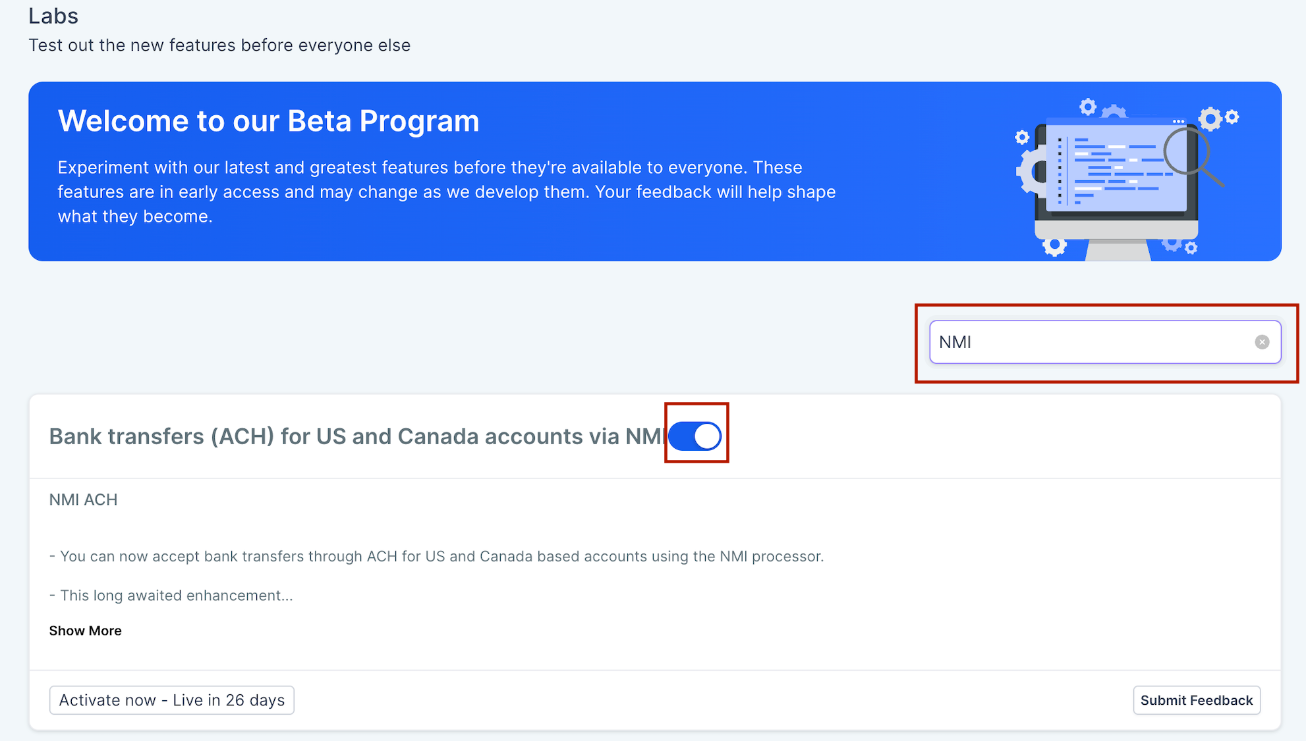
- Turn on the feature from Labs in your account by going to Settings > Labs > Account.
- Also turn on the feature from Labs in Account by going to Settings > Labs > search 'NMI' (Refer screenshot)
- Make sure ACH is enabled on your connected NMI account.
- If ACH is not enabled yet, contact NMI and request activation.
- Once enabled, ACH will start appearing as a payment option on invoices.
- Refer to FAQ docs
Why it matters?
ACH gives your clients another way to get paid while helping reduce payment processing costs. For businesses handling large ticket size transactions, bank transfers can be a more efficient and reliable option than cards.
What is next?
- ACH support is currently available for invoices, recurring invoices and subscriptions.
- We also plan to expand support to more channels in future updates.
Visuals
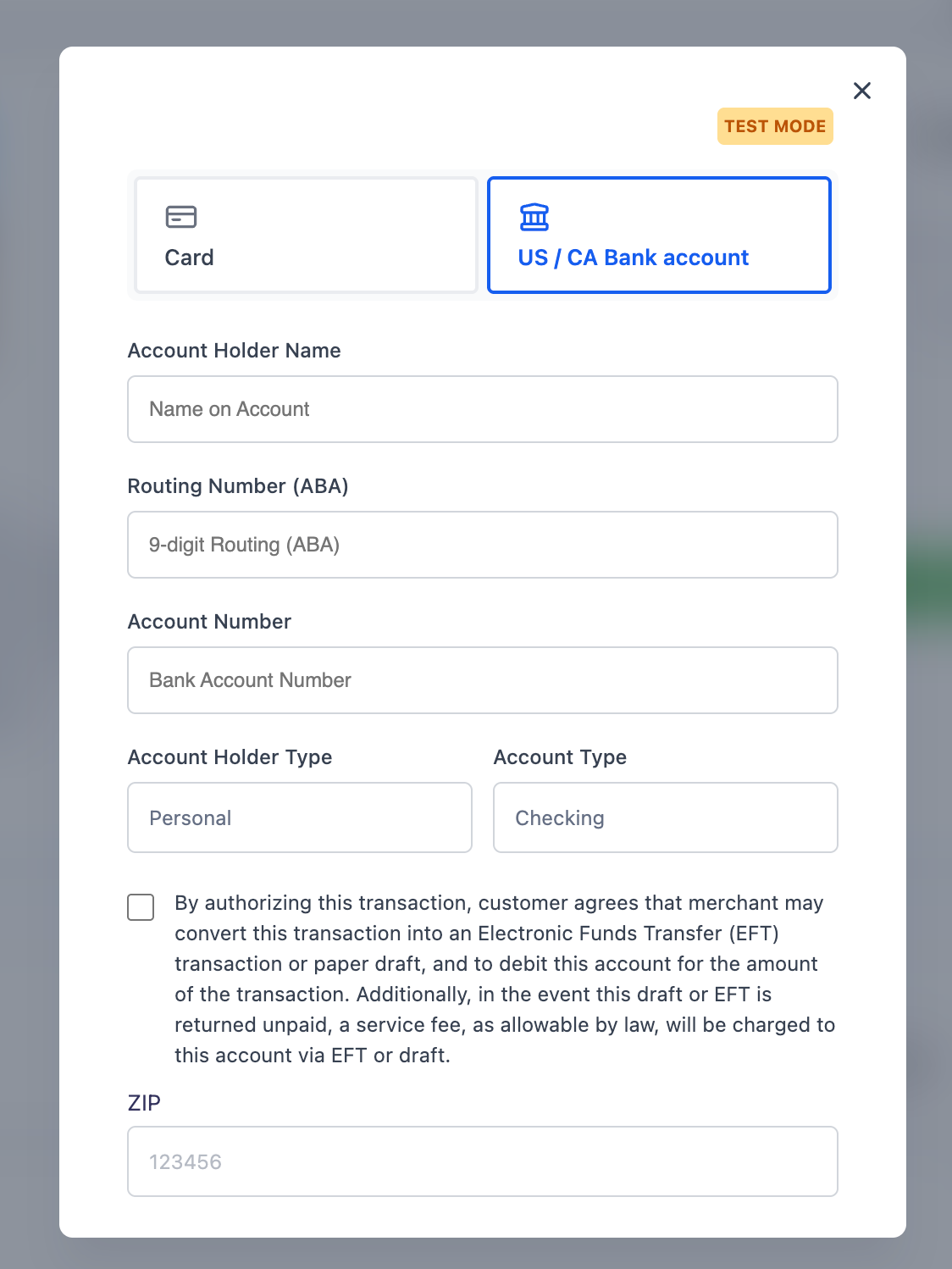
ACH on Invoice for US bank
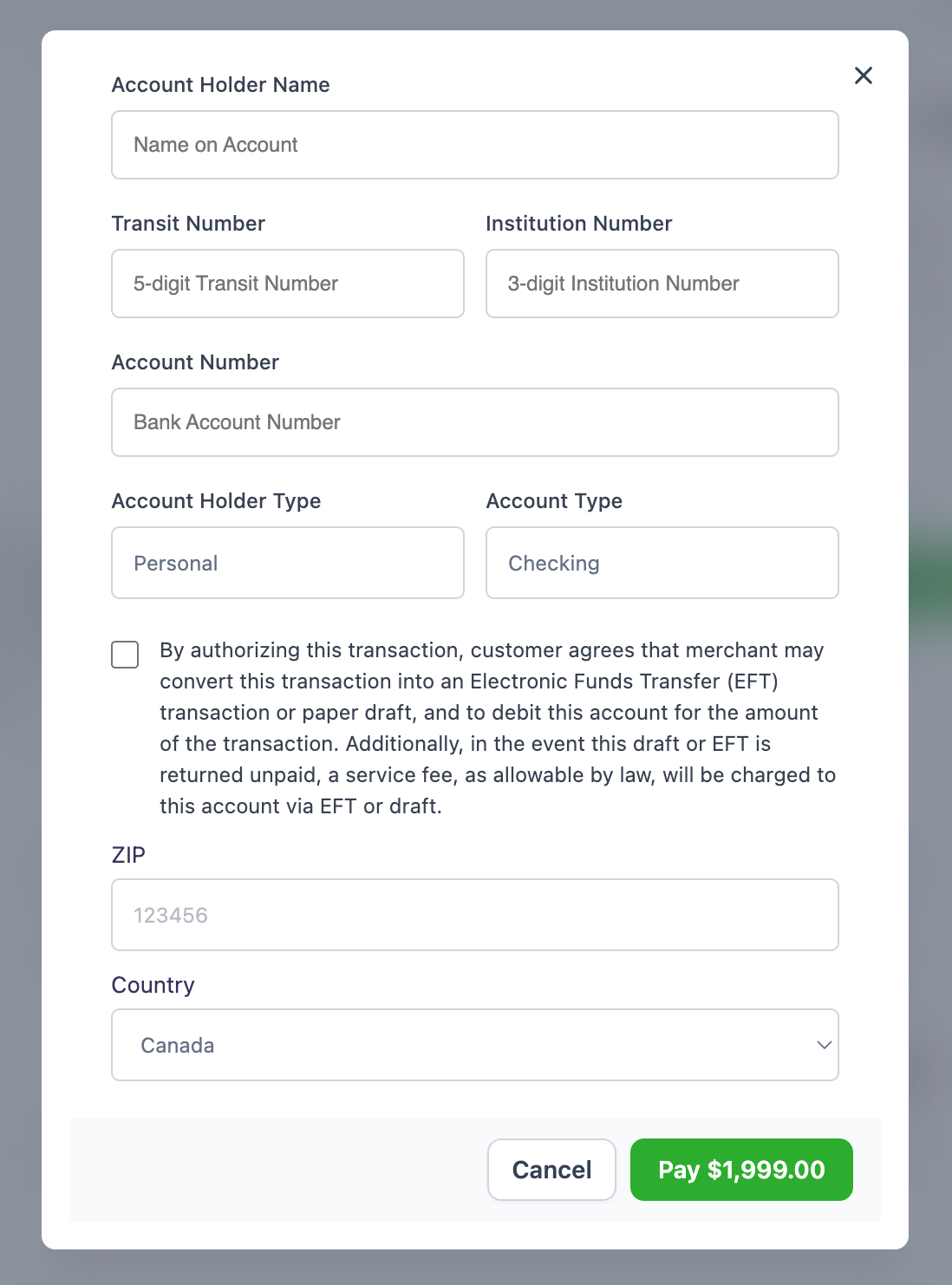
ACH on Invoice for CA bank
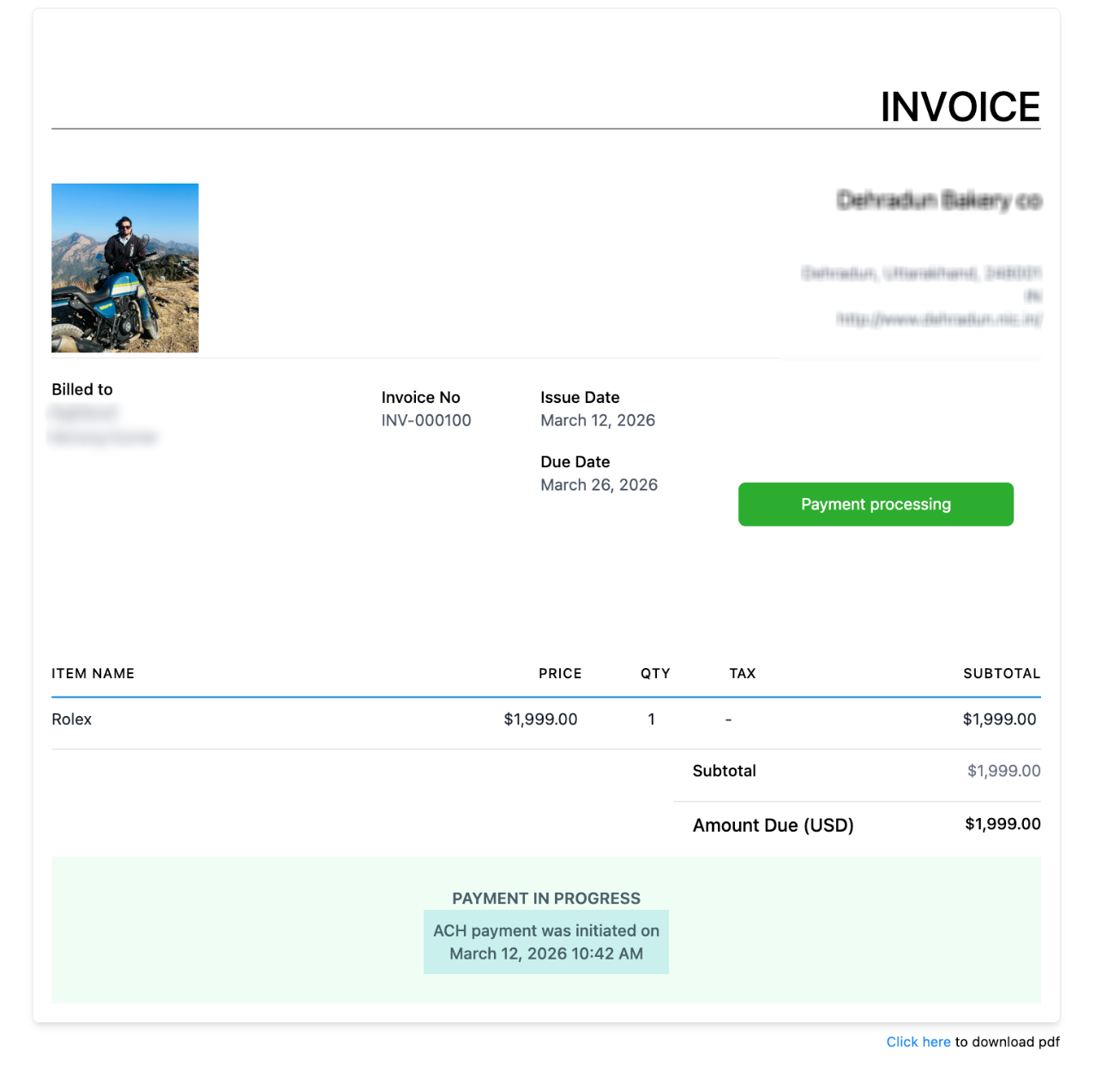
Invoice page when paid
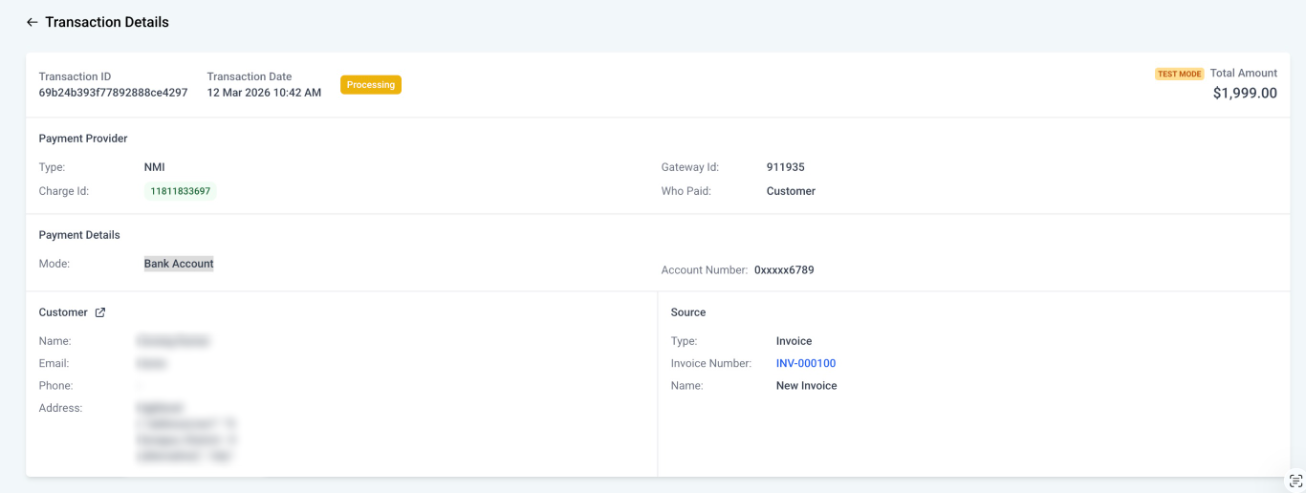
Transaction detail page
Was this article helpful?
That’s Great!
Thank you for your feedback
Sorry! We couldn't be helpful
Thank you for your feedback
Feedback sent
We appreciate your effort and will try to fix the article